 Vidiyo
Create your account
Sign up for Vidiyo with a username, email, and password, verify your email from the link we send, then sign in to Vidiyo Studio and start creating.
A Vidiyo account is free and gives you Vidiyo Studio: upload and import videos, go live, and run 24/7 channels on Roku, Fire TV, Apple TV, web, iOS, and Android. There is no waitlist and no credit card.
Sign-up takes one form. You can start using Studio right away, and a verification link unlocks channel creation and uploads.
Steps
1. Open the sign-up page
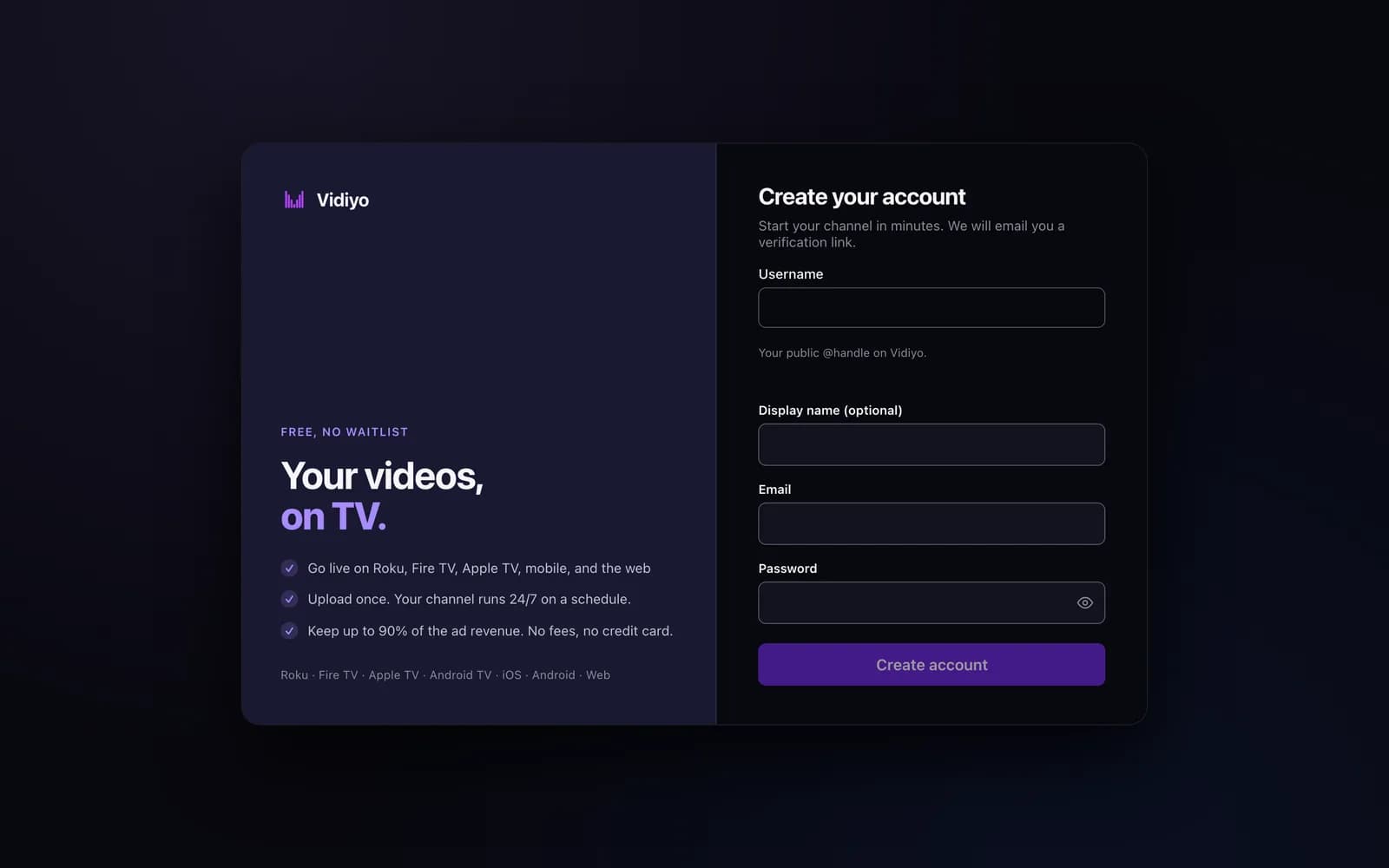
Go to vidiyo.com/sign-up. If you are on the sign-in page, click Create an account under the form. The page title reads Create your account with the line "Start your channel in minutes. We will email you a verification link."
2. Fill in the form
The form has four fields.
- Username (required). Your public @handle on Vidiyo. 3 to 40 characters: letters, numbers, and underscores. The form checks it as you type.
- Display name (optional). The name shown on your channels and profile. Leave it blank to use your username.
- Email (required). We send the verification link here.
- Password (required). At least 8 characters. Click the eye icon to show what you typed.
Click Create account. Studio opens and signs you in.
3. Verify your email
A yellow bar at the top of Studio reads Verify your email to create channels and upload. We sent a link to your address. Open the email and click the link. The link works for 24 hours.
The confirmation page reads Email verified with a Go to your studio link. Verifying also adds 30 free Create Credits to your account for AI video generation.
If the email did not arrive, click Resend email in the yellow bar. If the link expired, the page offers Send a new link.
4. Sign in on your next visit
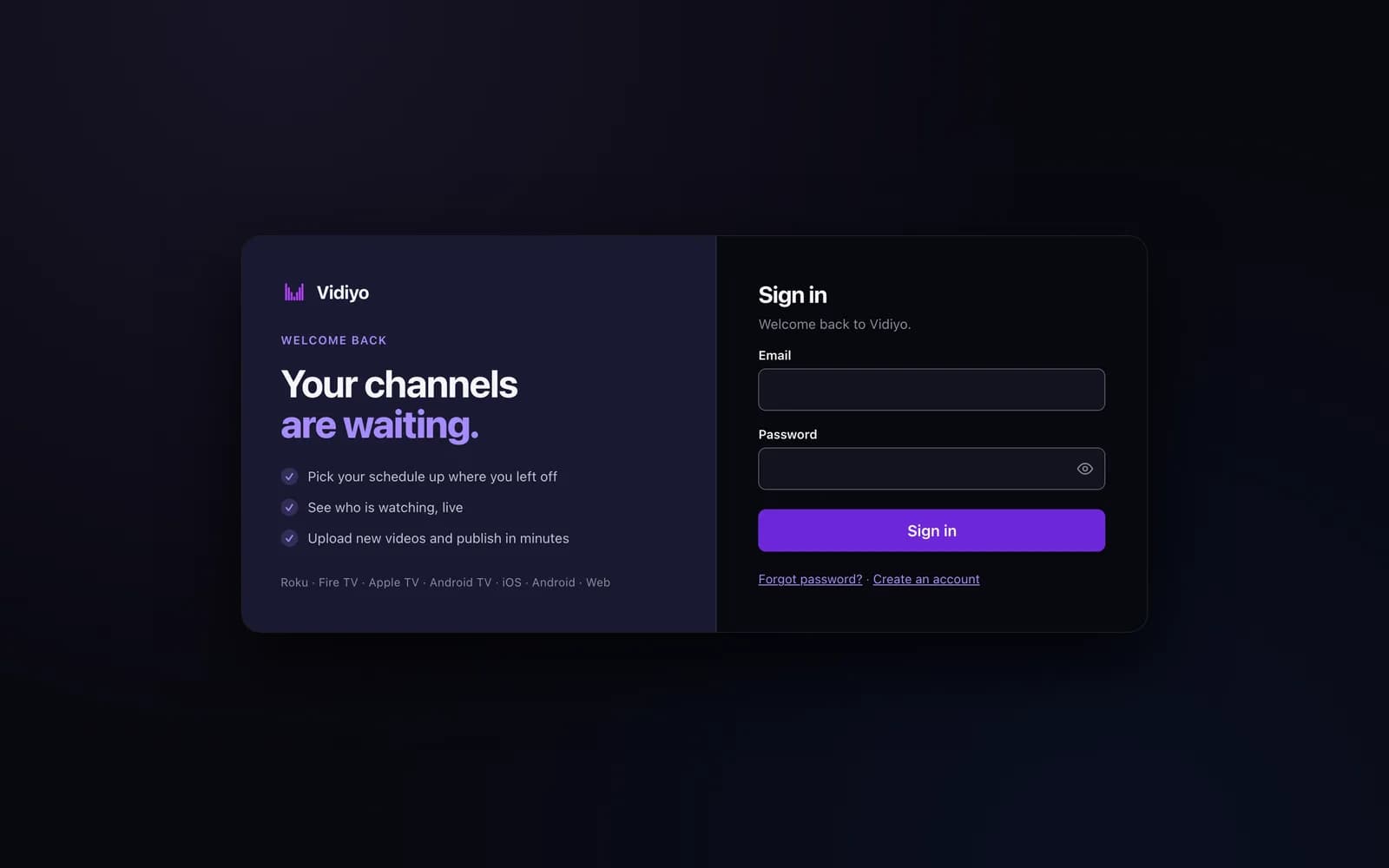
Go to vidiyo.com/sign-in. Enter your Email and Password, then click Sign in. You land back in Studio.
Forgot your password? Click Forgot password? below the form, enter your email, and click Send reset link. The reset link expires in an hour.
Tips
- Pick your username carefully. It is your public @handle across Vidiyo.
- Until you verify, the Create section of the Studio sidebar stays hidden and uploads are blocked. Everything else in Studio works.
- The 30 free credits arrive once, when your email is confirmed. Buying more is optional.
Quick answers
Is a Vidiyo account free?
Yes. Creating an account, uploading, going live, and running 24/7 channels cost nothing. The only thing you can buy is Create Credits for AI generation, and they are optional.
Do I need a credit card to sign up?
No. The form asks for a username, an optional display name, an email address, and a password.
What are the username rules?
3 to 40 characters using letters, numbers, and underscores. No spaces or other symbols. The form marks an invalid handle before you submit.
What happens if I never verify my email?
You can sign in and look around Studio, but you cannot create channels or upload until you verify. The yellow bar stays at the top of every Studio page with a Resend email button.
How long is the verification link valid?
24 hours. After that, click Resend email in Studio or Send a new link on the expired-link page to get a fresh one.
Open Studio
Upload a video, go live, or program your channel. Studio is free, and every guide here walks you through one task.